

How Rewards Work
Sign a lease through RentSeeker and earn reward dollars to spend on real products and local services. Refer a friend and earn again. Here is who earns, who pays and when, and where your reward dollars are spent.
For Renters
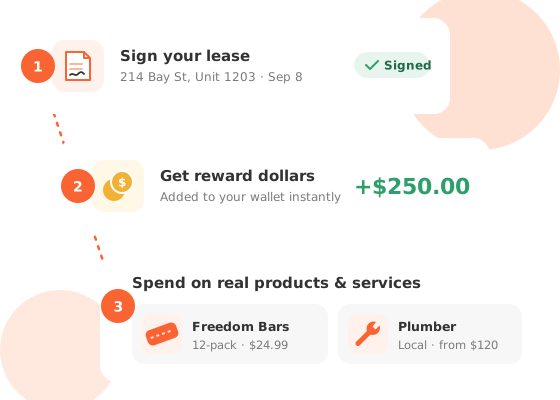
Earn reward dollars when you sign a lease, and again when a friend does.
Sign a Lease, Earn Reward Dollars
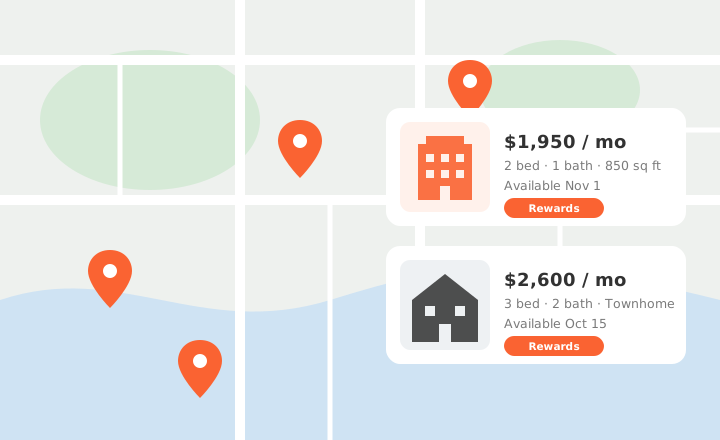
- Find a rental with the Rewards badge. Only those rentals pay reward dollars.
- Sign in and send an inquiry from the listing, so your lease can be matched to you.
- Once you have signed the lease, open My Inquiries and choose I signed a lease to upload it.
- When the property manager approves it, you earn one month's rent in reward dollars, straight to your ShopAt Wallet.
Rentals on Double Rewards pay 2 months' rent instead. On a $2,000-a-month rental, that is $2,000 in reward dollars.
Refer a Friend, Earn Again
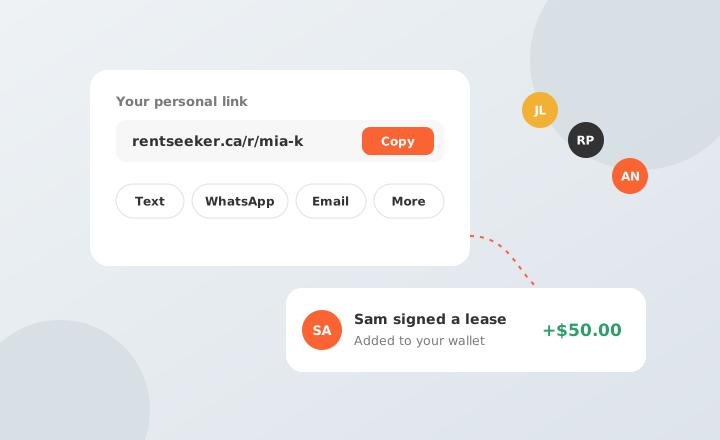
- Sign in and open Refer a Friend in your account. Your personal link is there.
- Copy the link and share it however you like, or choose Email a friend to send it from the page.
- Your friend counts as referred when they open your link and create a new RentSeeker account within 30 days. Someone who already has an account cannot be referred, and if a friend opens more than one link, the last one counts.
- When your friend signs a lease on a rental with the Rewards badge and the property manager approves it, you earn the same reward dollars they do. Once they have signed up, there is no deadline for their lease.
Opened your link on one device and signed up on another? It still counts if they sent an inquiry from the device where they opened your link, using the email they signed up with. Large referral payouts may be reviewed by RentSeeker before they are paid.
Spend Them on What You Need
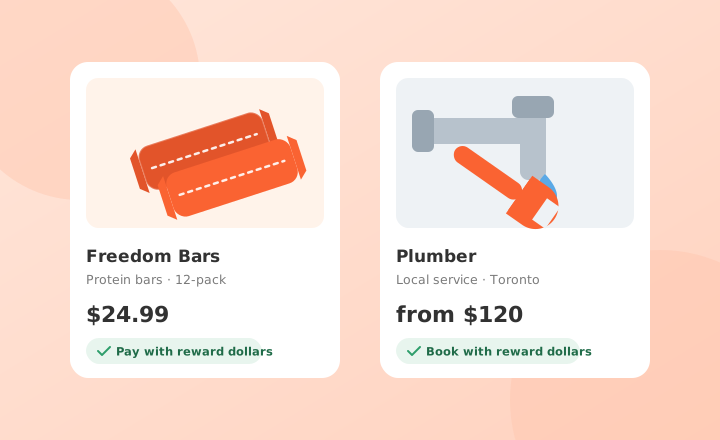
Reward dollars are spent at ShopAt, on top brands and local services, from protein bars to a plumber.
- Open ShopAt Wallet in your account to see your balance.
- Choose Shop with your rewards to go to ShopAt, already signed in.
- Reward dollars from your own leases and from your referrals add up to one balance.

For property managers
Free to List. Pay When a Lease Completes.
- Listing your properties is free, and so is turning on Incentive. The only monthly plan is Premium placement, and it is optional.
- You are charged only once a lease completes, and nothing before. A lease completes when a renter who found your rental on RentSeeker uploads their signed lease and you approve it.
- The $100 success fee is then charged to the card on file for the property. For your first three leases, RentSeeker checks the lease before the fee is charged.
- The success fee applies to every lease you approve. Incentive adds reward dollars for your renter and the friend who referred them at no extra cost, and shows the Rewards badge on your listings.
Incentive
Shows the Rewards badge on your listings.
- Success fee per approved lease
- $100
- Your renter earns
- one month's rent in reward dollars
- Their referrer earns
- one month's rent in reward dollars
Double Rewards
Works on top of Incentive, and makes each lease worth 2× to everyone.
- Success fee per approved lease
- $200
- Your renter earns
- 2 months' rent in reward dollars
- Their referrer earns
- 2 months' rent in reward dollars
Without Incentive, an approved lease still carries the $100 success fee, and no reward dollars are paid. The referrer earns only when the renter was referred.
Ready to Find Your Next?
Search rentals with rewards or list your property.